
Playtests
Joining playtests
Find playtests, share your player.gg profile, and understand what happens after you request access.
Find a playtest#
Browse available playtests or open a game’s Playtest tab. When a studio is looking for testers, you will see Join waitlist or Request Access.
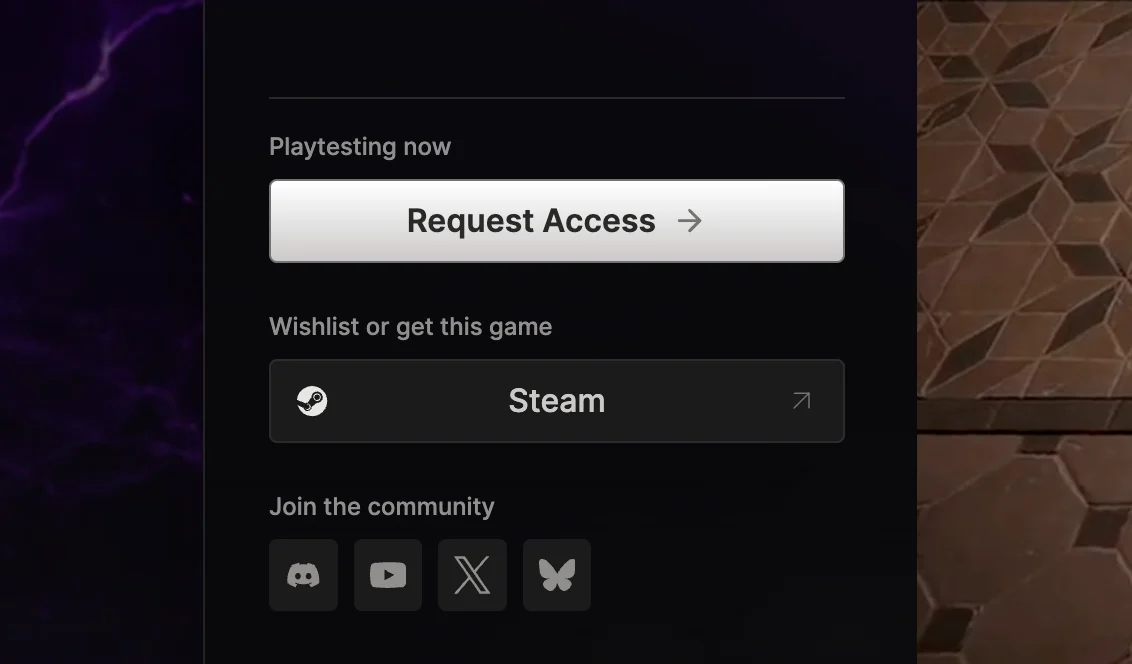
Sign up with player.gg#
player.gg makes joining easier by using information you have already provided. Your signup can be pre-filled with details from your profile, linked accounts such as Steam and Discord, and relevant gaming preferences. The studio can use this information to understand whether you are a good fit for its playtest.
One-click signup#
Some studios let you request access without leaving player.gg. You may still need to confirm your age or accept the studio’s agreements, but you will not need to complete a separate registration form.
When the studio needs more information#
Other studios ask additional questions before you can finish. We will take you to the studio’s signup and pre-fill what we can. Until you finish those questions, the button on player.gg will show Complete Sign Up. Afterward, it will show Manage Sign Up.
Your account and data#
Joining through player.gg creates a separate account with the studio running the playtest. You will see what profile information is being shared before continuing, and the studio’s privacy policy governs that information after signup.
From that point, the studio manages your application and playtest. This includes selection decisions, schedules, NDAs, Discord access, game keys, and support. player.gg cannot approve your application, change the studio’s decision, or issue a missing key.
Deleting your player.gg account does not delete accounts you created with individual studios. You need to manage or delete each studio account separately.
Studios may share participation signals back with player.gg, such as whether you played or submitted feedback. These signals can help build your reputation as a reliable playtester.
How do I know if I am accepted?#
The process is different for every studio. You will usually receive an invite from the studio, and the game will show You’re in on player.gg.
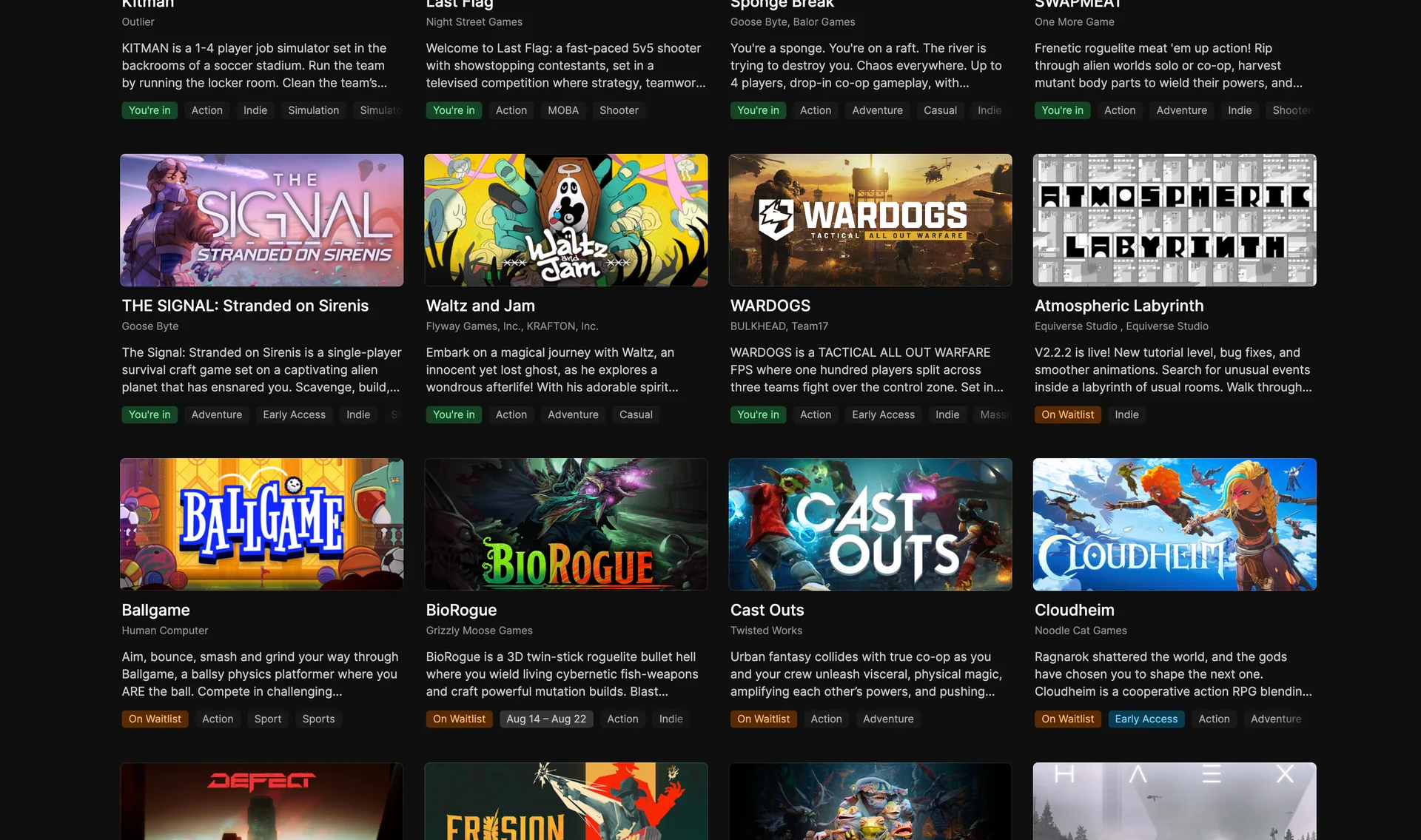
Acceptance may unlock more steps before you can play, such as signing an NDA, connecting another account, or joining the studio’s Discord. Follow the instructions provided by the studio.
When does a playtest start and end?#
Playtesting now means the studio is currently recruiting players or running a test. It does not guarantee that the game servers are open at this moment. Being accepted and seeing You’re in also does not mean you can start playing immediately.
The studio sets the opening and closing times. Check the game’s Playtest tab, your invitation, and any messages from the studio for the exact dates, times, and timezone. If no schedule is shown, contact the studio before making plans around the test; player.gg cannot confirm an unpublished schedule for them.
When do I receive my key or access?#
Getting accepted does not always mean you can play immediately. A studio may add you to its Discord or confirm your place before the test begins, then make your key or download available when the playtest starts. The studio’s playtest page and messages will explain when and where access becomes available.