
Curators
Managing comments on your posts
Choose who can comment on your posts, lock a discussion, and remove comments.
Choose who can comment on your posts#
As the post’s author, select the settings button beside the comments heading. Choose a status and audience, then select Save settings.
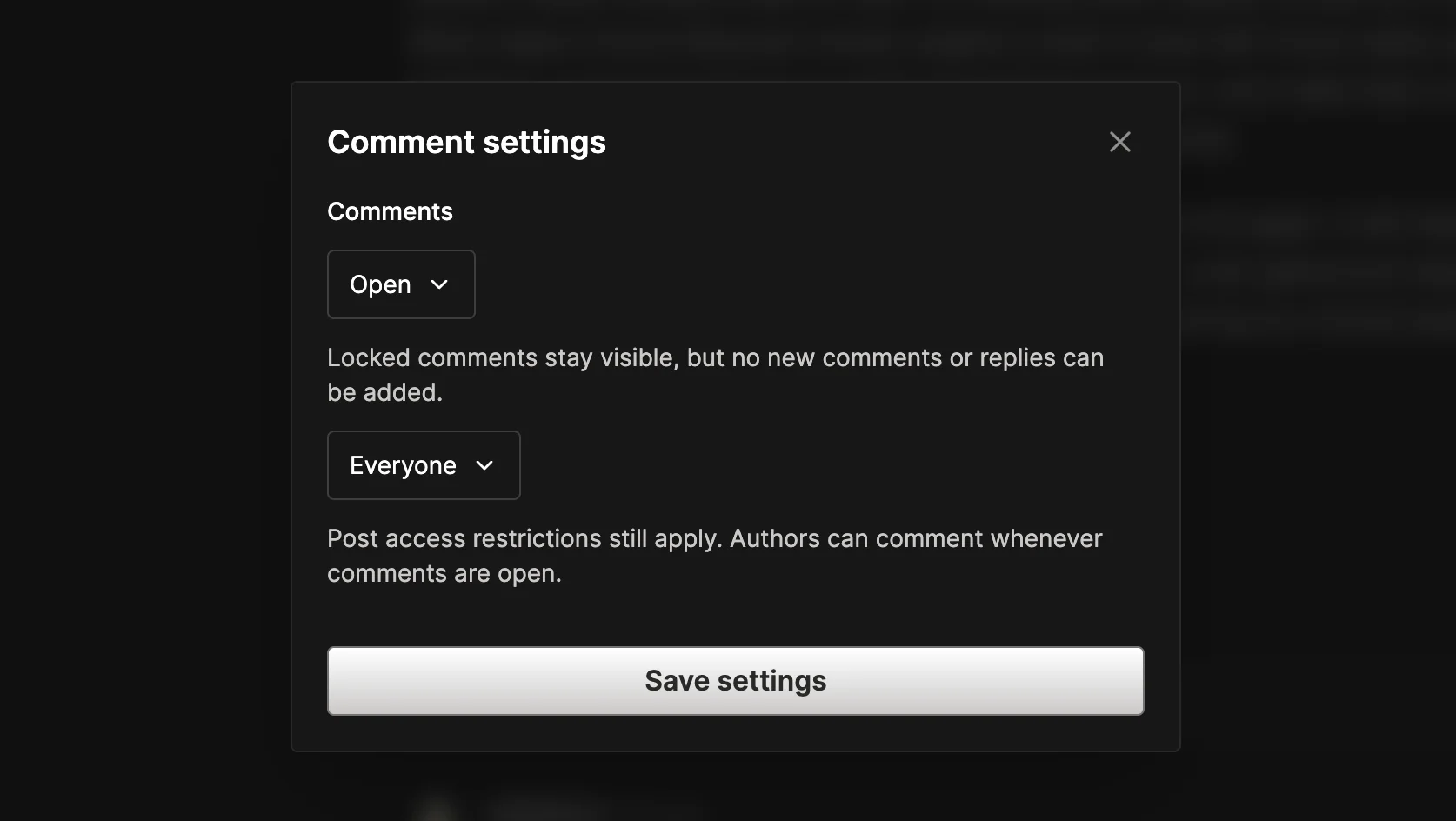
- Open allows new comments and replies from the selected audience.
- Locked keeps existing comments visible but prevents new comments and replies, including from the author.
The audience options are:
- Everyone: anyone with a profile who can access the post.
- My followers and subscribers: followers of the author, followers of the post’s publication, and its paid supporters who also have a profile and access to the post.
- Paid supporters: paid supporters of the publication who also have a profile. This option is available only for publication posts.
Post access restrictions still apply: opening comments to everyone does not unlock subscriber-only content. Authors can comment whenever their comments are open.
Remove comments#
Authors and player.gg moderators can delete comments on the post through Comment options. Deletion cannot be undone. Deleting a comment with replies leaves those replies visible under “This comment was deleted.”
For writing, editing, and comment emails, see Comments and replies.