
Curators
Curating collections
Build themed Pages with multiple collections, notes, and sources.
Build Pages around a theme#
Curators can go beyond personal game shelves by creating a Page around a subject, mood, genre, or recommendation. A Page can contain multiple collections, letting you break a bigger idea into useful groups of games.
For example, a Page about co-op games could have separate collections for two-player campaigns, party games, and long-running worlds. Add a title, description, and header image to introduce the theme, then reorder the collections into the story you want to tell.
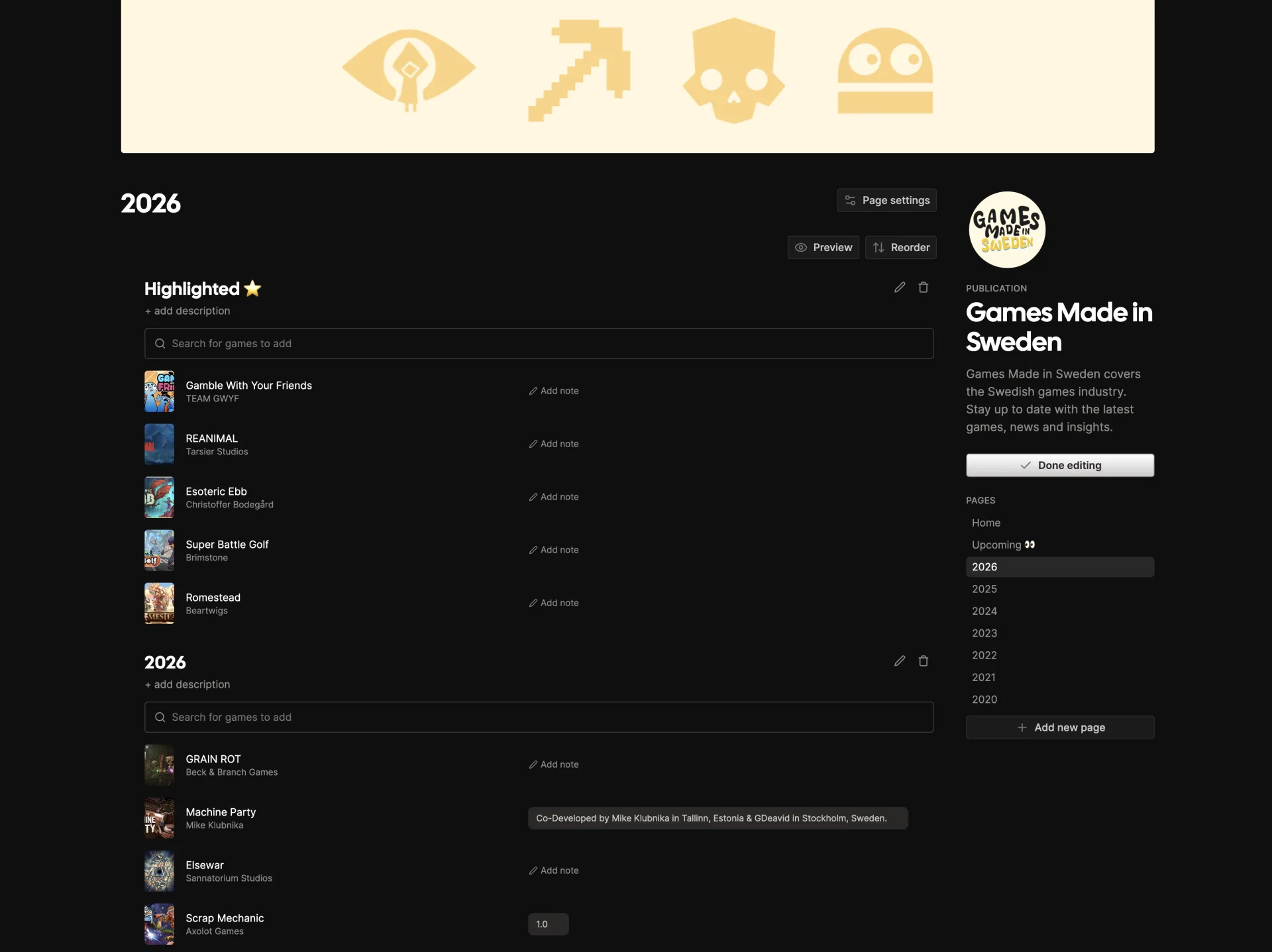
The collection layouts and Steam suggestions described in Collecting games are available to everyone with a public profile.
Add notes and links#
Notes let you explain why each game belongs in the collection: what stood out, who it is for, or how it connects to the Page’s wider theme.
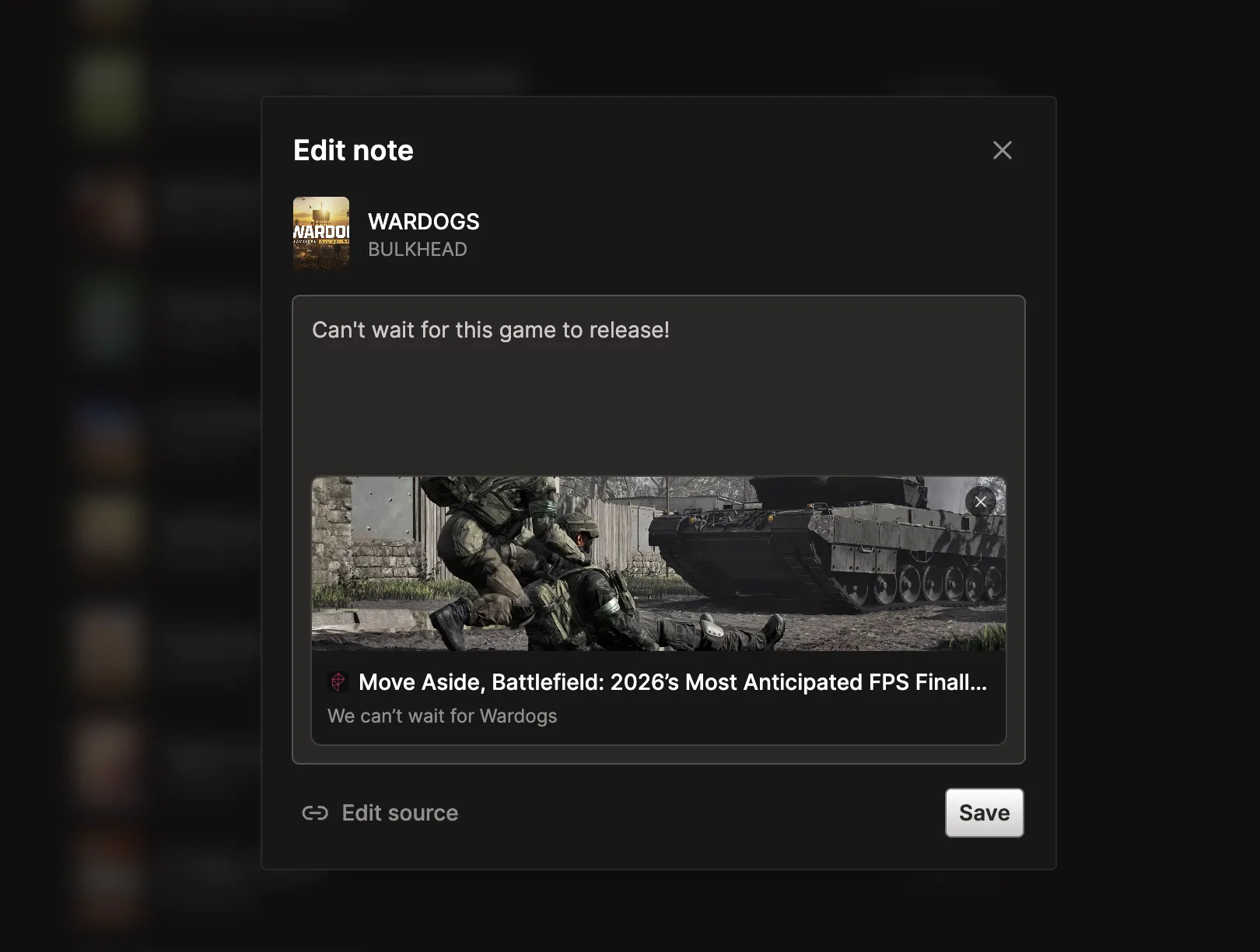
You can also attach a source link to a pick, such as a review, stream, VOD, blog post, or other useful reference. Paste a link into your note or select Add source to add the URL and customize its label. The source appears with the game so readers can explore the recommendation further.