
player.gg Account
How do I manage my subscriptions?
Manage publication notifications and paid subscriptions.
Subscribe or unsubscribe#
Subscribing to a publication turns on notifications for its new posts. Unsubscribing turns those notifications off.
Open Subscriptions to see the publications you subscribe to. You can unsubscribe from any publication there.
Manage a paid subscription#
Open the publication and select Manage subscription. From there, you can update your payment settings or select Cancel subscription to stop future payments.
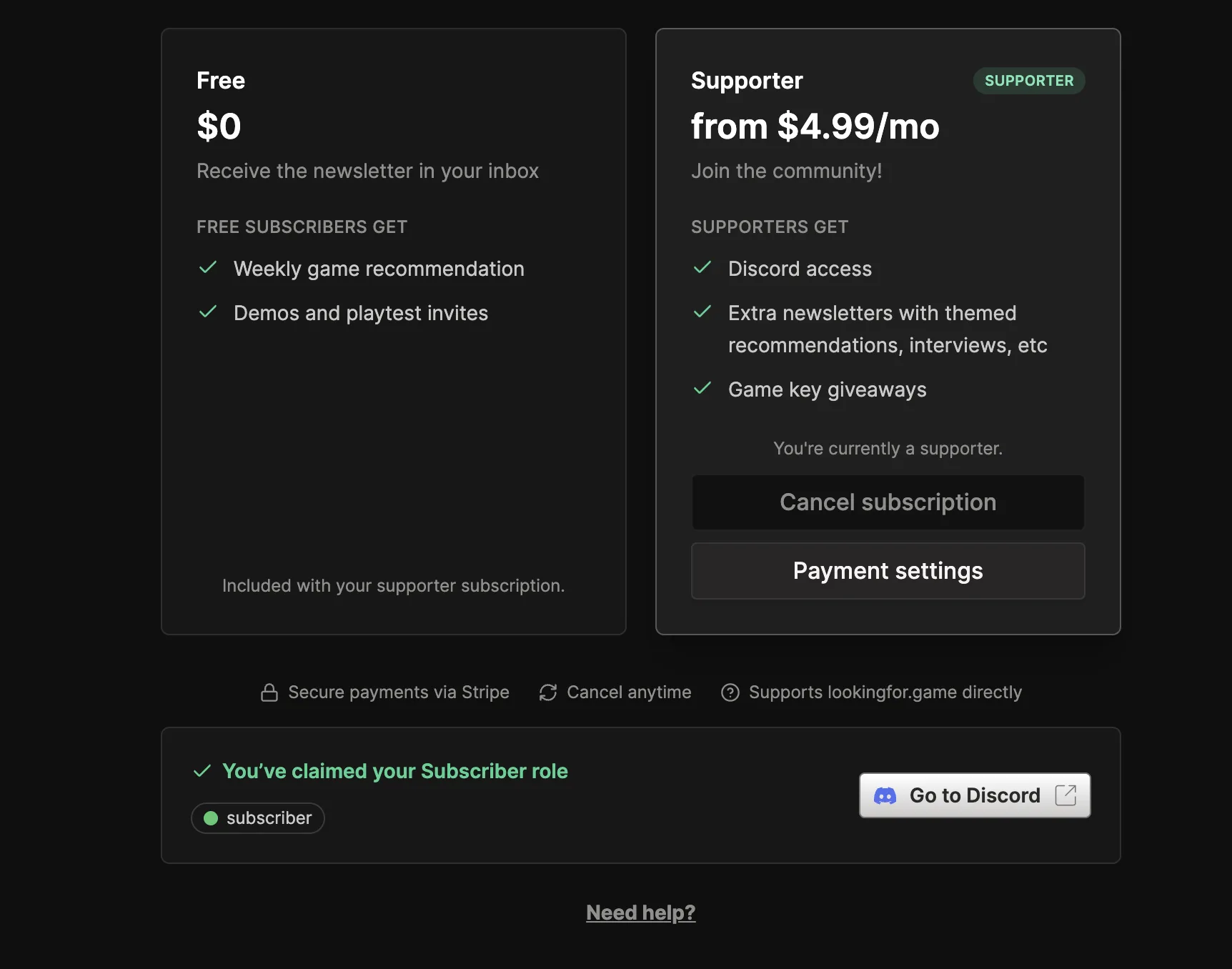
Your paid access may continue until the end of the current billing period. Cancelling a paid subscription does not unsubscribe you from the publication’s free updates, so unsubscribe separately if you also want to stop its notifications.
Before deleting your account#
Open each publication you support, select Manage subscription, and cancel the subscription before starting account deletion.