
player.gg Account
How to sign up
Create your player.gg account, connect your gaming accounts, and start joining games.
Create your account#
Go to Sign up to claim your player.gg account. Every account needs a verified email address.
You can enter your email directly or connect Discord, which can use the verified email on your Discord account. You can also connect Steam during signup. Linking Discord and Steam helps player.gg recognize your gaming accounts and makes future playtest signups easier.
Once your email is verified, review the Player Terms of Service and Privacy Policy, then select Accept and sign up.
Tell us about how you play#
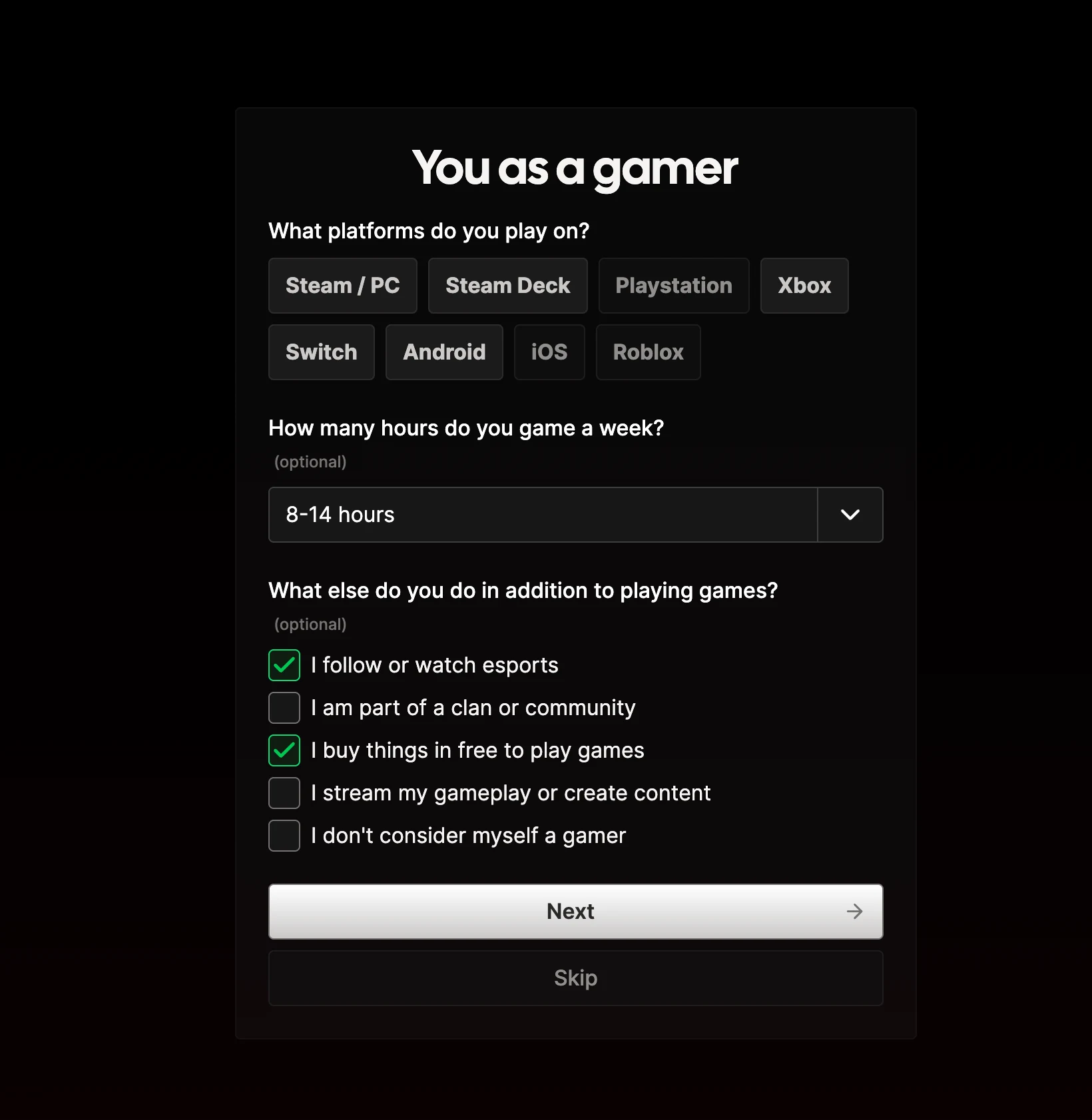
Next, you can tell us which platforms you use, how often you play, and what you do in gaming communities. These preferences help player.gg recommend relevant games and help studios find suitable playtesters.
You can skip this step and update your answers later from your account settings.
Start joining games#
Once signup is complete, you can start discovering and joining games right away. Browse available playtests, then select Join waitlist or Request Access on a game that interests you.
Some studios may ask additional questions before your playtest signup is complete. Learn more in Joining playtests.