
V1.32 — Kit Customization & Workshop Fixes
Customize your existing model kits with community creations! This update adds Workshop support for normal kit appearances and improves the Workshop interface. Customize Existing…
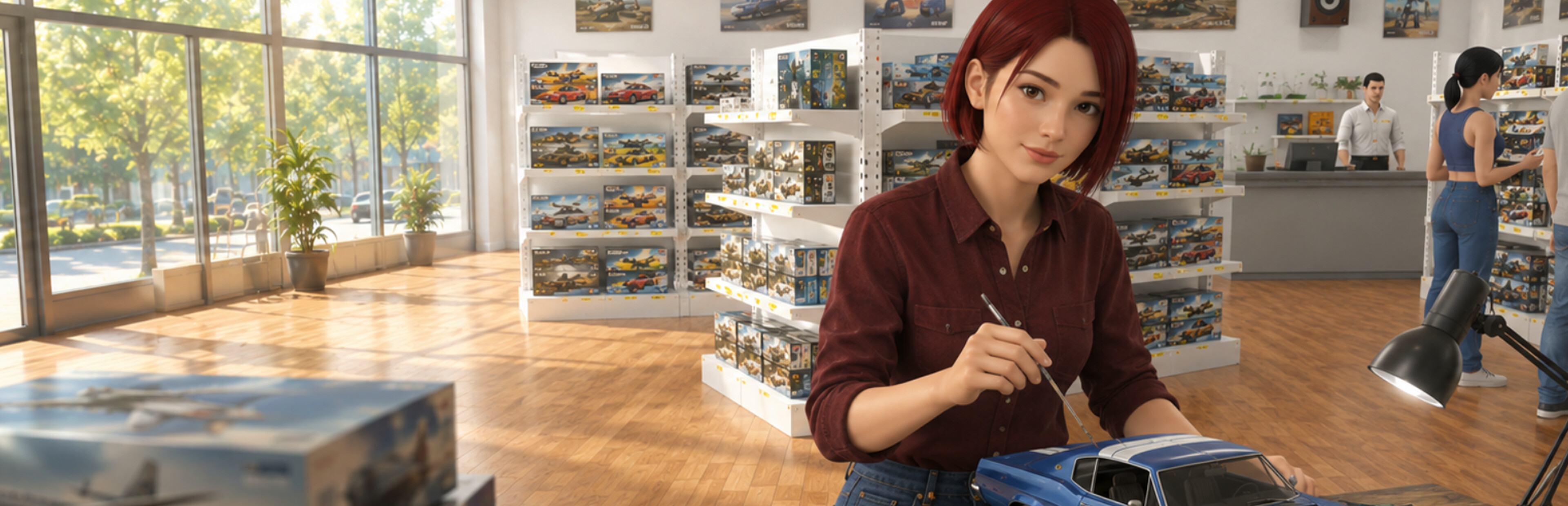


Build and run your own hobby shop in this first-person store management sim. Order stock, fill shelves, set prices, match kits with paints through the Hobby Basket System, and let customers bring their projects to life at Build Tables.
Model Kit Shop Simulator is a first-person store management game where every sale starts with a Model Kit.
Build and grow your own hobby shop by ordering master boxes, unpacking deliveries, stocking shelves, setting prices, and serving collectors and enthusiasts.
But running a successful model kit shop is not just about selling boxes. To maximize profits, you need to keep the right matching paints in stock, increase basket value through the Hobby Basket System, and give customers a place to bring their projects to life with the Build Table.
Hobby Basket System
Customers do not just buy a single kit — they start a project. When a customer picks a model kit, they may also look for the matching paints needed to complete it. If you keep those paints on your shelves, they can add them to their basket, increasing the total value of each sale. If the paints are missing, they may still buy the kit, but your basket value and profit will be lower.
Build Table System
Customers who complete the right kit-and-paint combination can pay to use a Build Table after checkout. There, they sit down, start assembling their kit, and turn a box of parts into a finished model right inside your shop. This makes your store feel more alive and adds a distinctive hobby-shop experience beyond traditional retail management.
Success depends on smart stock planning, efficient shelf management, the right product variety, and creating a store that supports both shopping and building.
Run your own first-person model kit shop
Order and unpack products from master boxes
Stock shelves and organize your store layout
Set prices and manage your profits
Use the Hobby Basket System to increase basket value
Keep matching paints in stock to support model kit sales
Let customers use Build Tables to assemble their kits after checkout
Unlock theme licenses and expand your product variety
Grow from a small shop into a larger hobby business
Build a store that hobby fans love and turn your small shop into a thriving model kit business.
 Model Kit Shop SimulatorSteam patch notes
Customize your existing model kits with community creations! This update adds Workshop support for normal kit appearances and improves the Workshop interface. Customize Existing…
Model Kit Shop SimulatorSteam announcementSteam Workshop has arrived in Model Kit Shop Simulator! V1.3 opens your shop to community creations. Discover new model kits and shop designs, bring them into your game, or…
Model Kit Shop SimulatorSteam patch notesFixed an issue that could leave player controls locked after a checkout payment error. Improved checkout completion when camera transitions are interrupted. Fixed player movement…
Model Kit Shop SimulatorSteam patch notesNew Flooring Added 5 new flooring options: Charcoal Carpet Gray Limestone Checkerboard Tile Terracotta Tile Polished Concrete New Wallpapers Added 5 new patterned wallpapers:…
Model Kit Shop SimulatorSteam patch notesCollector You can now look at Collector items even when you can't afford them. The price turns red if you don't have enough money, and trying to buy shows a "Not Enough Money"…
Model Kit Shop SimulatorSteam patch notesFixed an issue that could cause delayed click responses on the computer screen, especially at low FPS Fixed an issue where some Rare Kits (most notably the Strategic Stealth…
Model Kit Shop SimulatorSteam patch notesController Improvements Changed Checkout Confirm to RB/R1. Changed Tool Wheel to D-Pad Up to prevent input conflicts during checkout.
Model Kit Shop SimulatorSteam patch notesImproved the cargo delivery area. It can now spawn up to 2 large and 2 small cargo boxes side by side. Fixed an issue with the product scanning button when using a gamepad.
Loading more games…