
Sync collections with Steam
Automatically populate your game collections from your Steam Wishlist, Library and (recently) played games.
Collections can now update automatically from Steam. Open Collection settings, turn on Sync this collection with Steam, then choose games from the last two weeks, everything you have played, your wishlist, your owned games, or games you have not played yet.
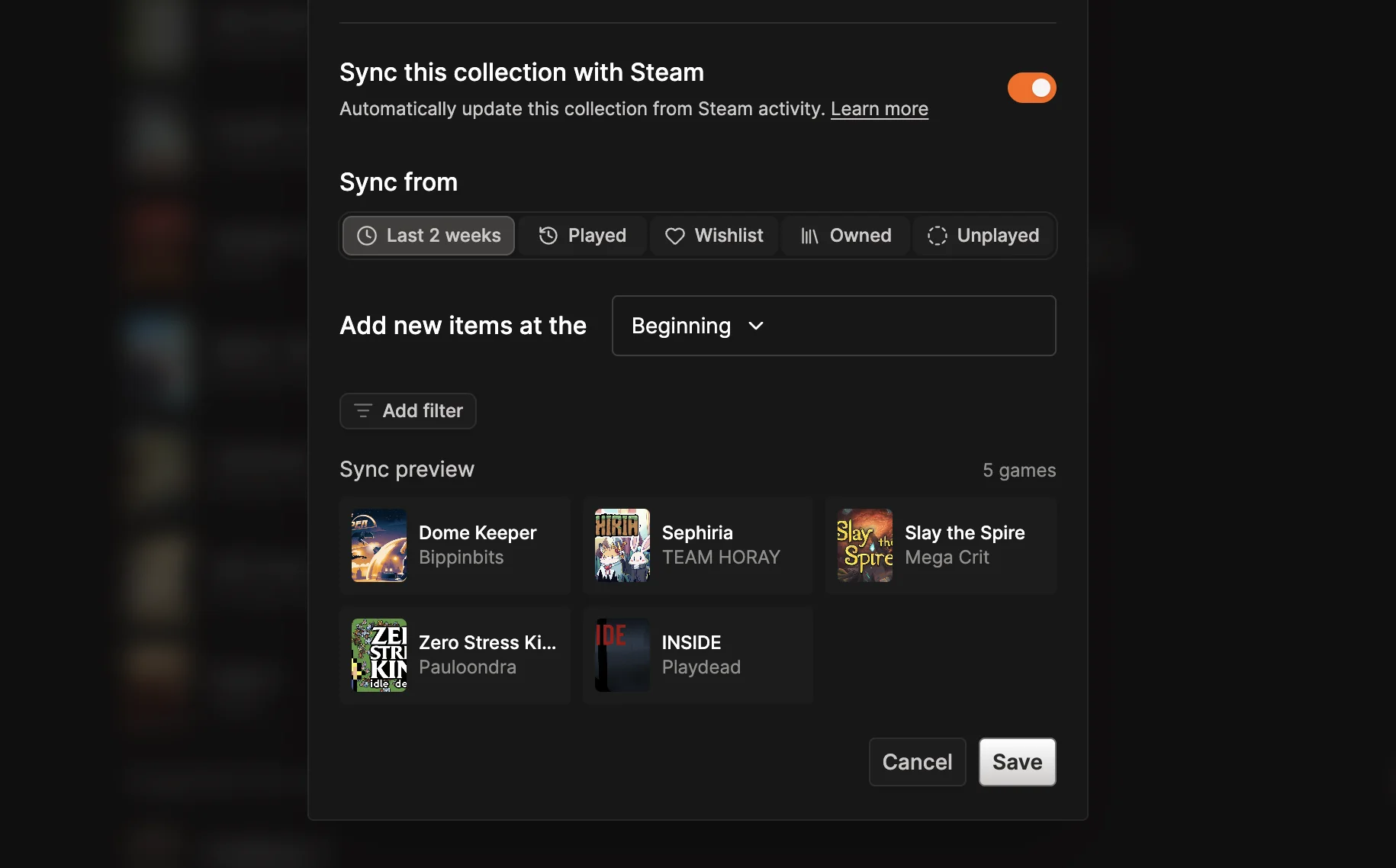
Choose whether newly matched games appear at the beginning or end of the collection, narrow the source with genre and Steam tag filters, and review the matching games before saving. Steam must be connected to the collection owner’s account with a public profile and public game details.
See the collection guide for setup and Steam privacy requirements.