
Count and categorize your collected games
Show your total collected games across “want to play,” “playing,” and “played” on your profile.
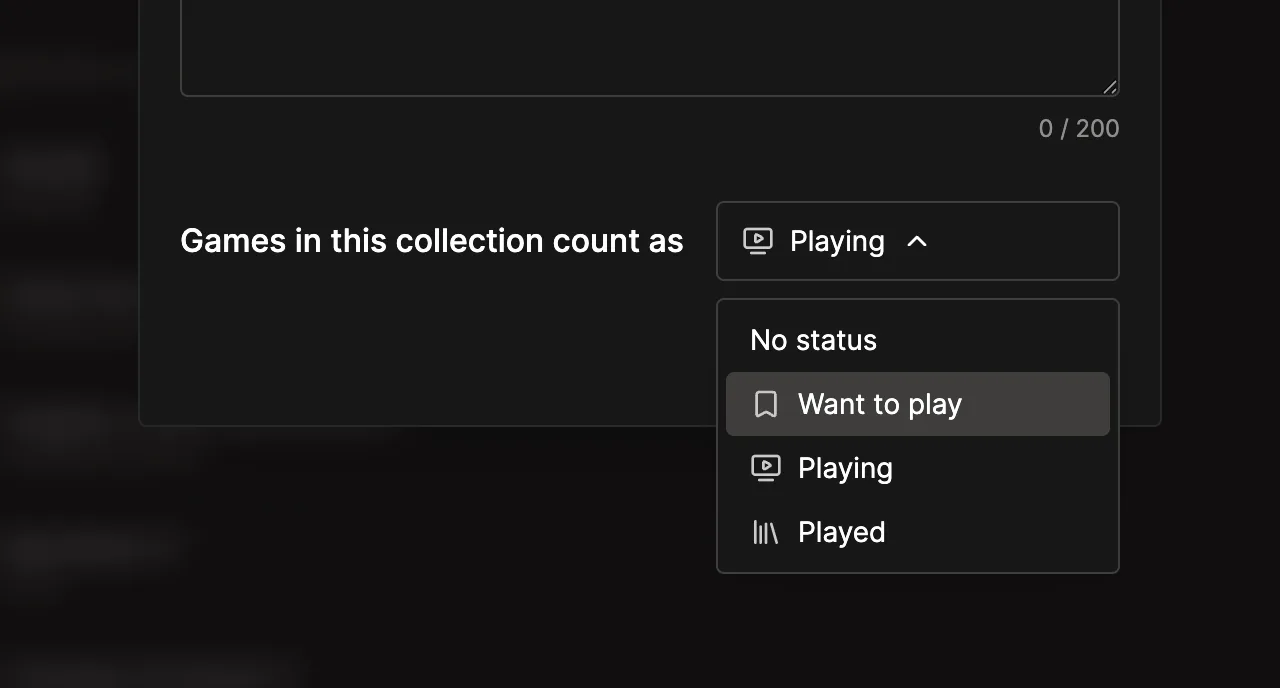
Personal collections can now count their games as Want to play, Playing, or Played. Choose a status when you create a collection or change it later in the collection settings. Select No status when a collection shouldn’t affect your totals. The collection guide explains how statuses and totals work.
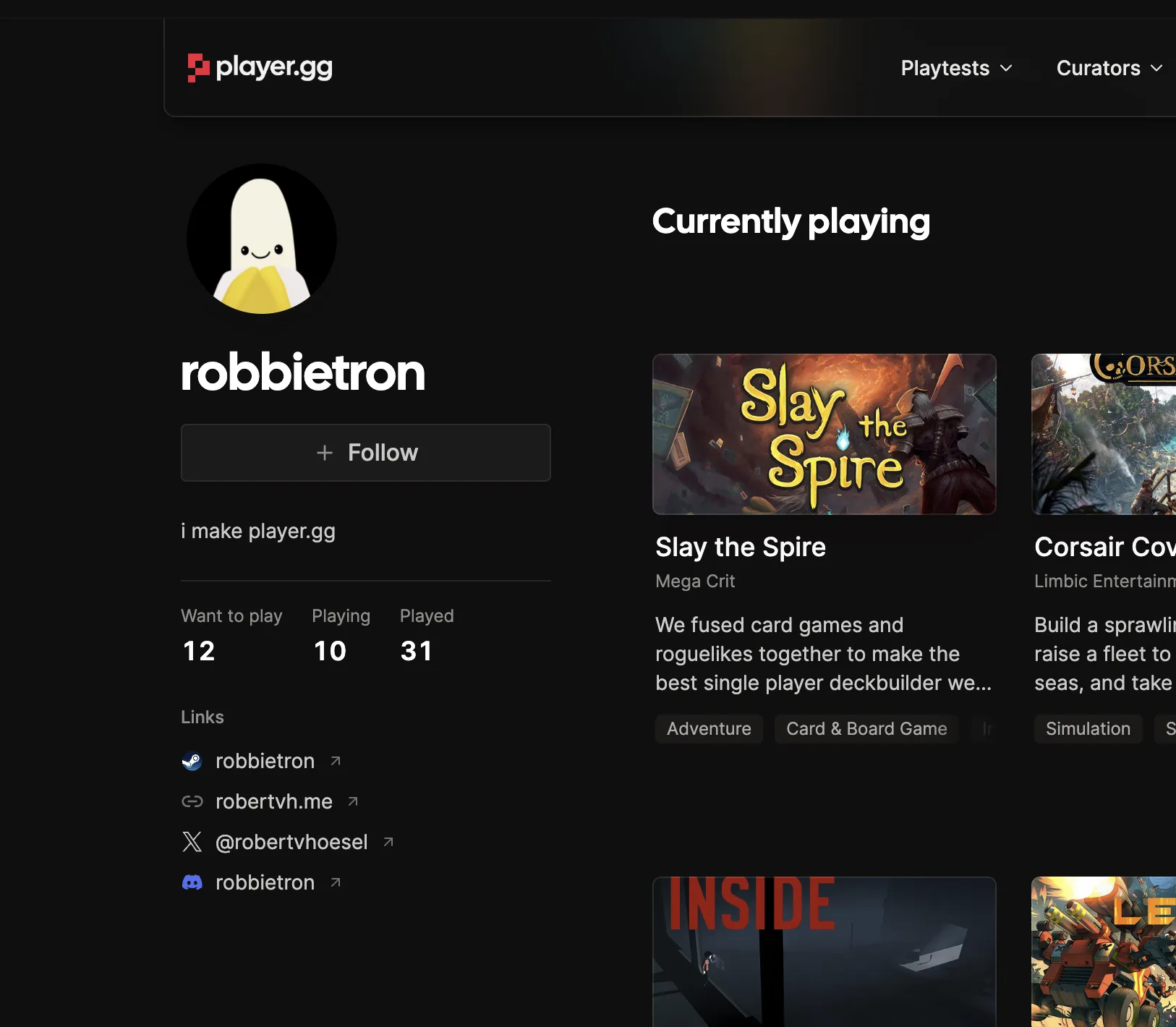
The games in your status collections roll up into totals on your profile, giving visitors a quick view of your game library and what you’re playing now. Only categories with games appear, keeping the profile tidy.
Improvements#
- Status collections appear first in Add to collection, ordered by Want to play, Playing, then Played.
- Publication collections stay separate and don’t contribute to personal game totals.