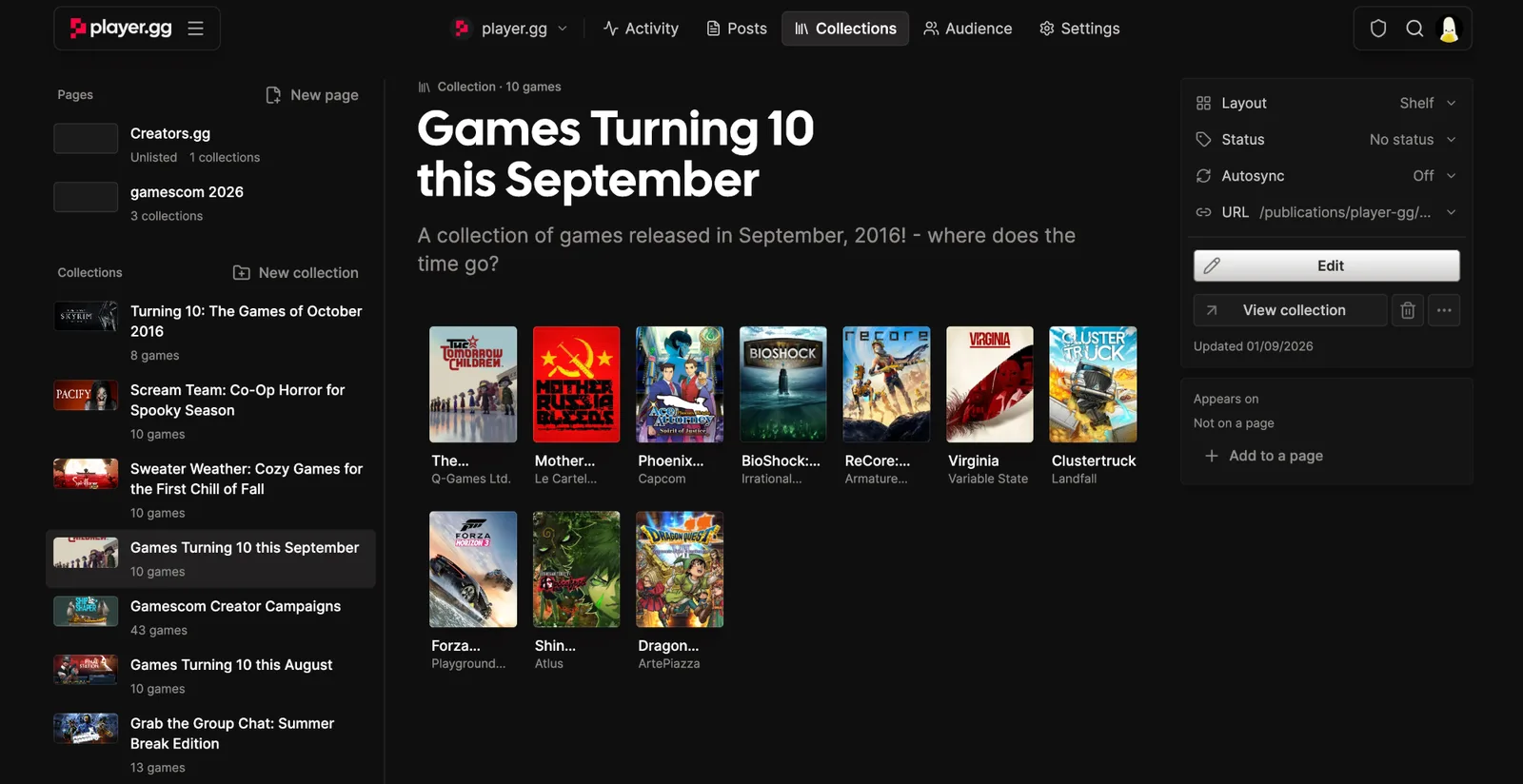
A completely redesigned curator dashboard
Manage your posts, collections, audience, and settings across publications in one single place.
One editor for everything you publish#
Curator Tools in your account menu now opens a single editor for your posts and publications. Activity, posts, collections, audience, and settings each have their own tab, and the post you’re working on stays in view while you move around.
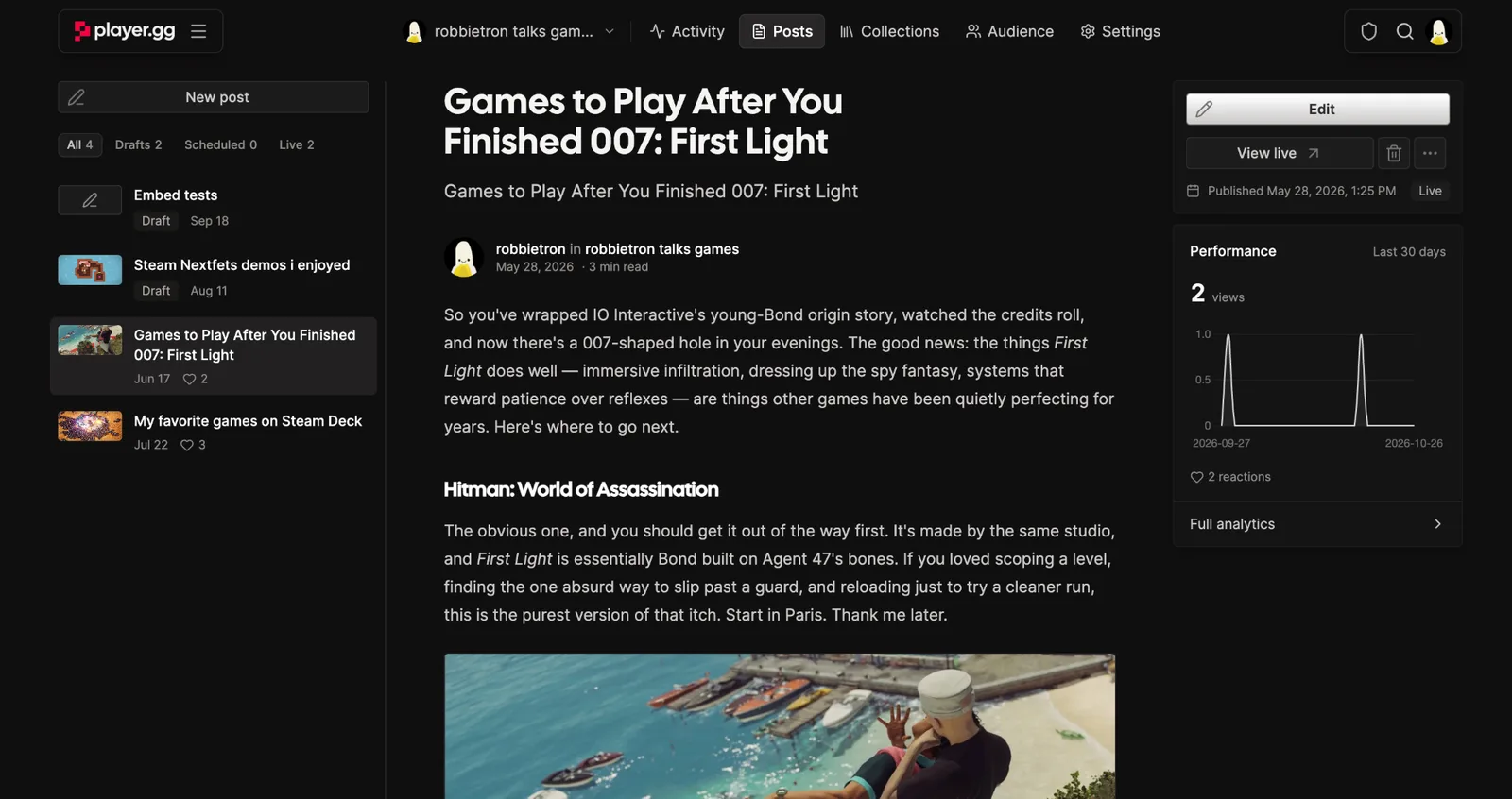
Switch between your profile and publications#
Use the menu with your avatar at the start of the tab bar to switch between your own profile and any publication you write for. You stay on the same tab when the other place has it, so going from one publication’s posts to another’s takes one click. Otherwise you land on Activity.
Easier access to post options#
Everything you can do with a post sits next to it: edit, view it live, archive, and a ••• menu for analytics, email previews, copying or sharing the link, and unpublishing.
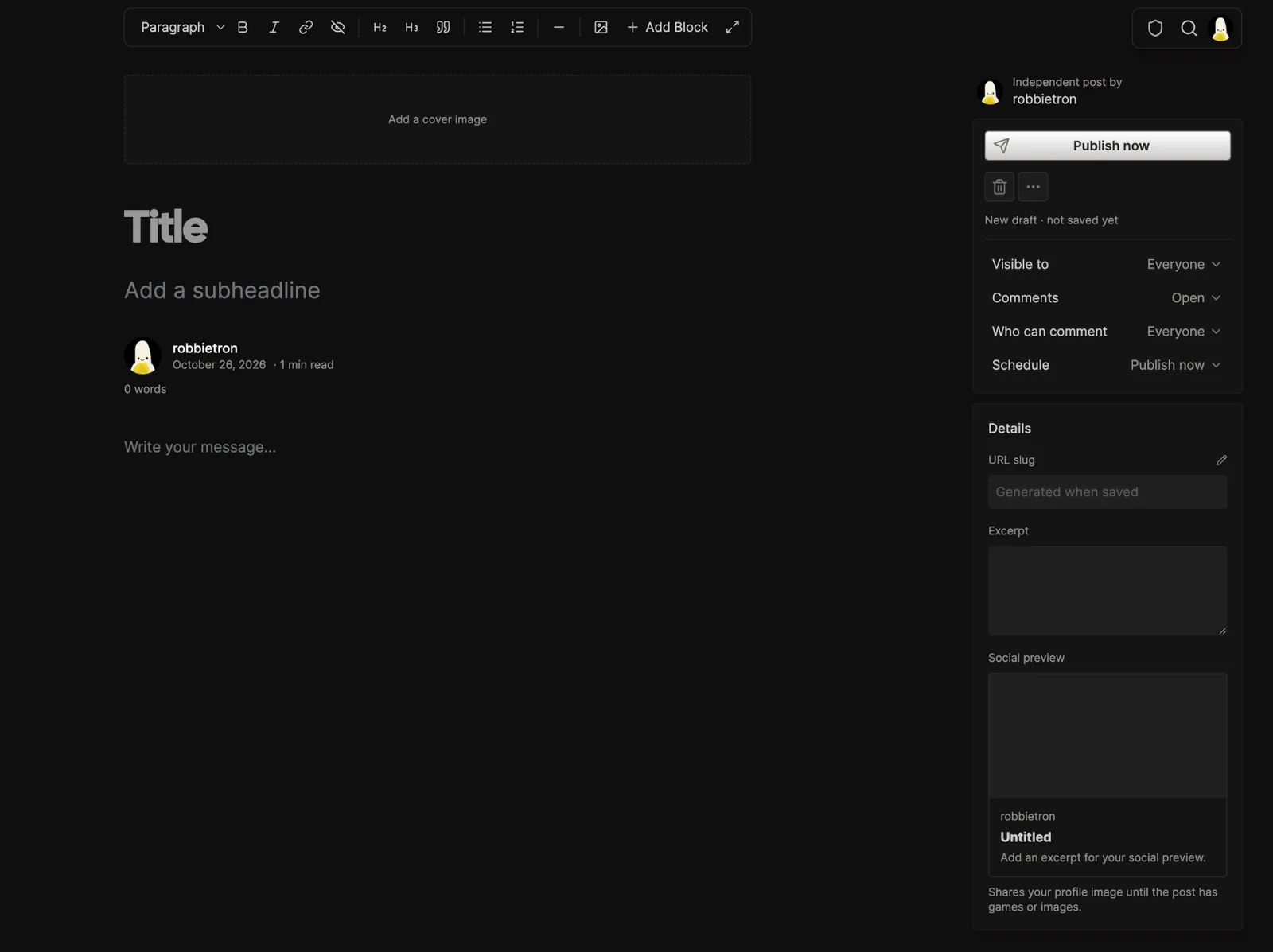
Better editing on your phone and tablet#
The editor now adapts to smaller screens. On a phone, your post list opens with Browse and post options with More actions, and the main action stays in reach. On a tablet, show or hide the sidebar whenever you need more room to write.
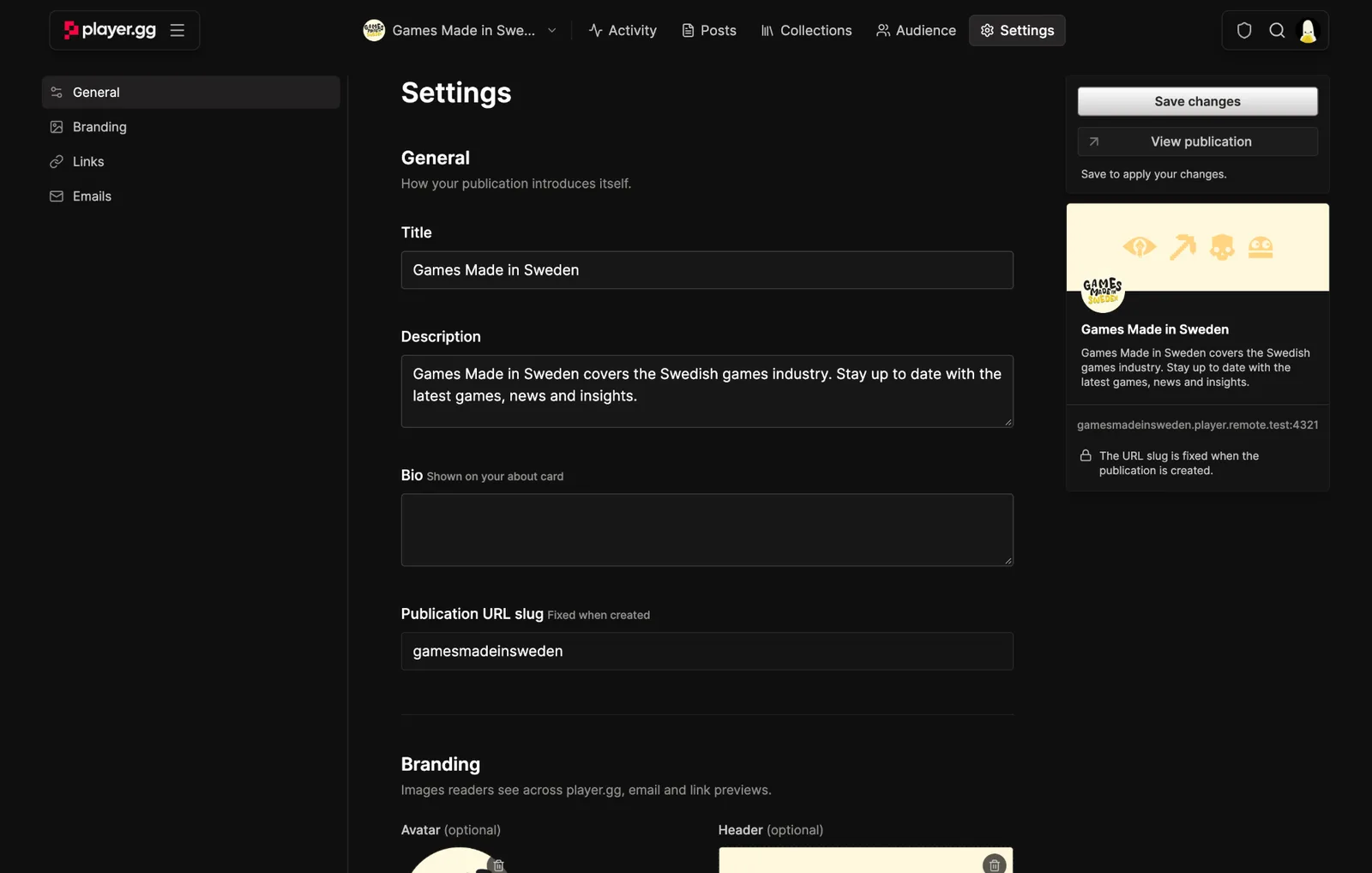
Audience and settings for publications#
For publications connected to a FirstLook community, the Audience tab lists your subscribers, followers, and supporters, with search, a paid supporters filter, and totals at a glance. Settings brings your publication’s details, branding, links, emails, and supporter options together on one page.
Edit collections where they live#
Pages and collections for a publication have their own tab. Pick one to see it as readers do, change its layout, status, and sync settings from the sidebar, or select Edit to update it right there.