
Richer Discord previews for player.gg links
Games, posts, publications, collections, and profiles now unfurl with much more detail in Discord.
When you paste a player.gg link into Discord, it now shows a richer preview instead of a basic title and thumbnail. Each preview is built around whatever you shared:
- Games: the description, studio, release date and genres, a screenshot gallery, and how the game is doing, with Steam review score, curator reviews on player.gg, and category rank.
- Curator posts and reviews: the headline, summary, byline, date, and cover image, with a button that goes straight to the full post.
- Publications and profiles: the description and banner, the three latest posts as links, and social links.
- Collections: who made it, how many games it holds, and cover art for up to four of them.
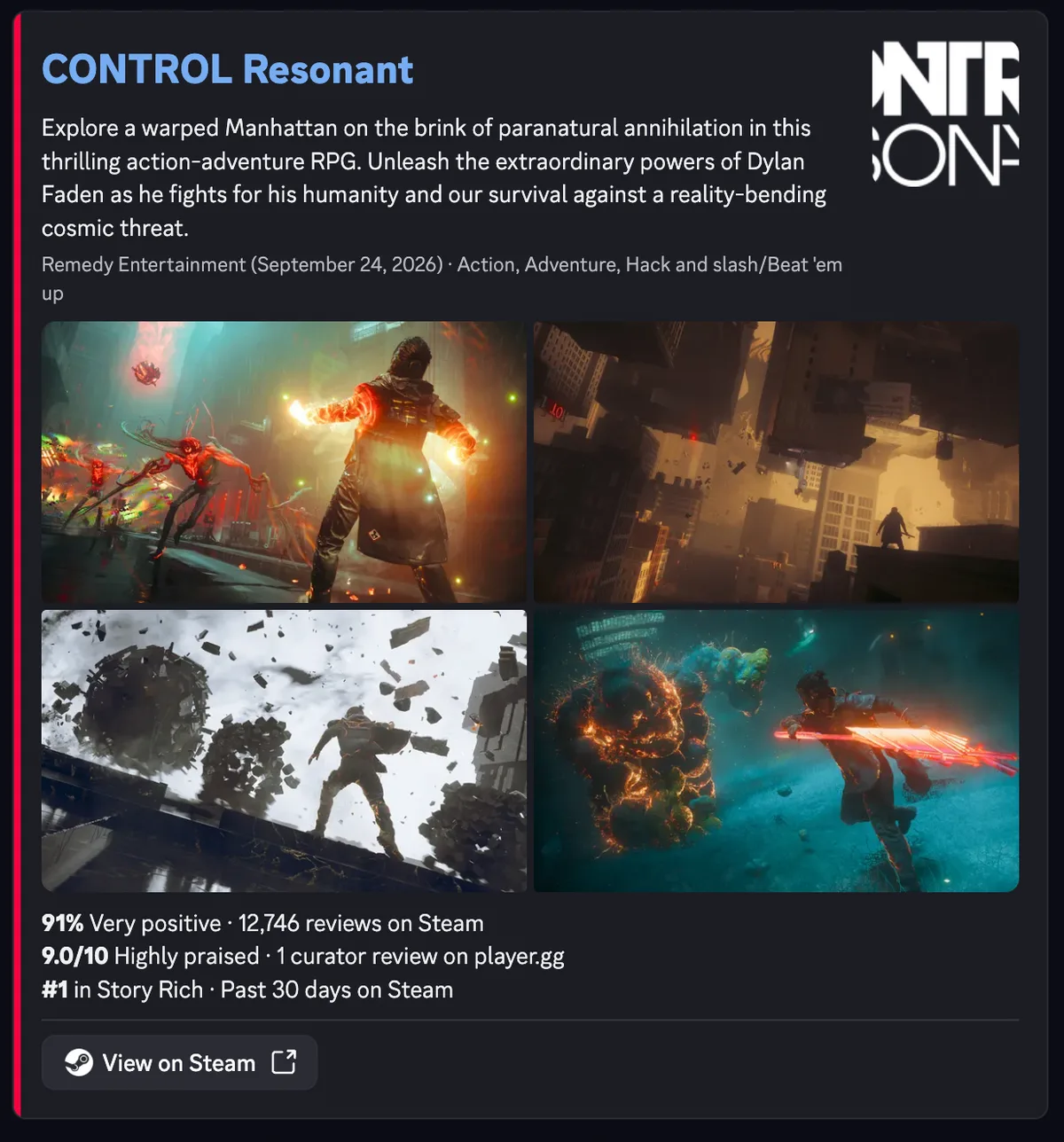
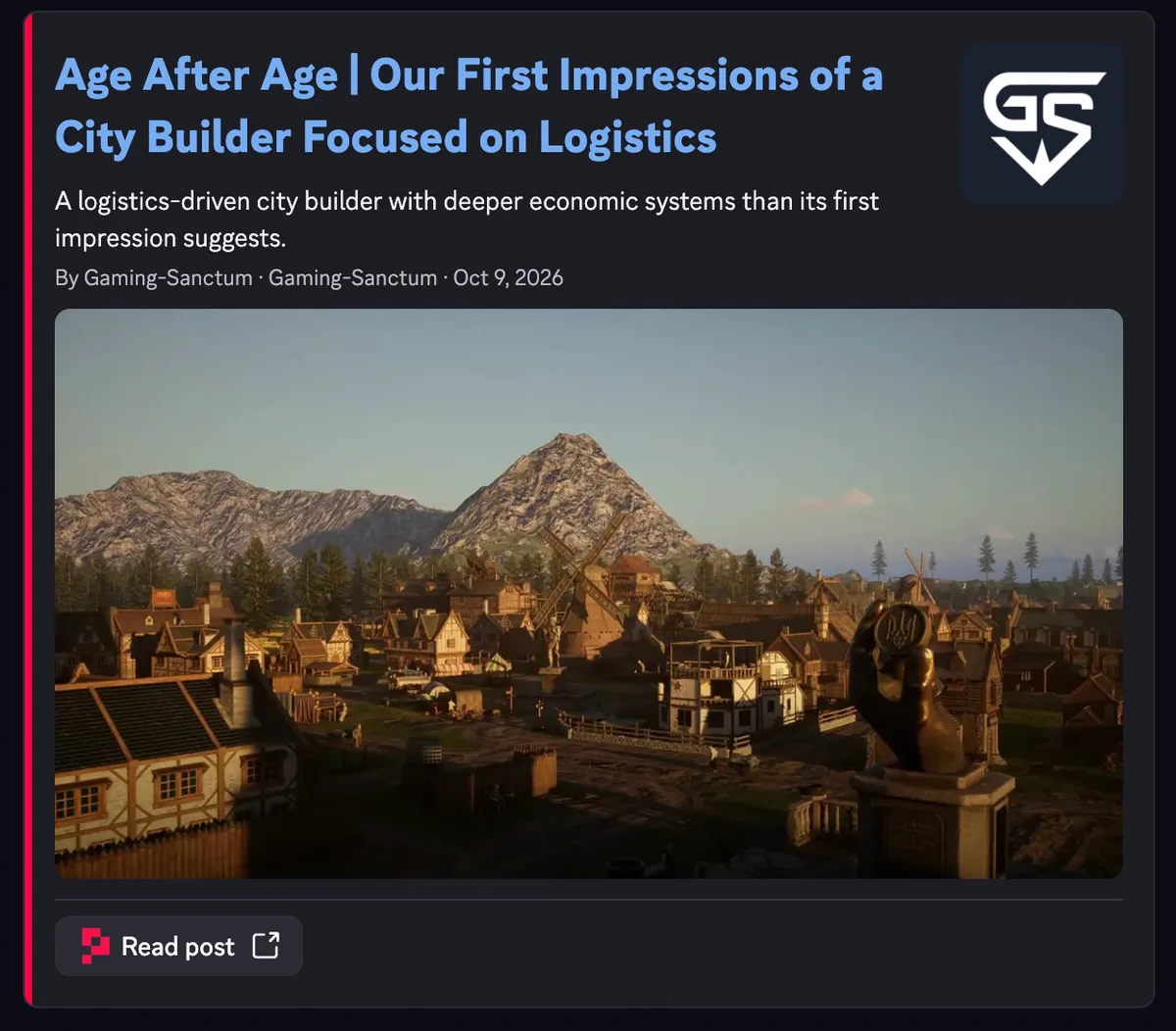
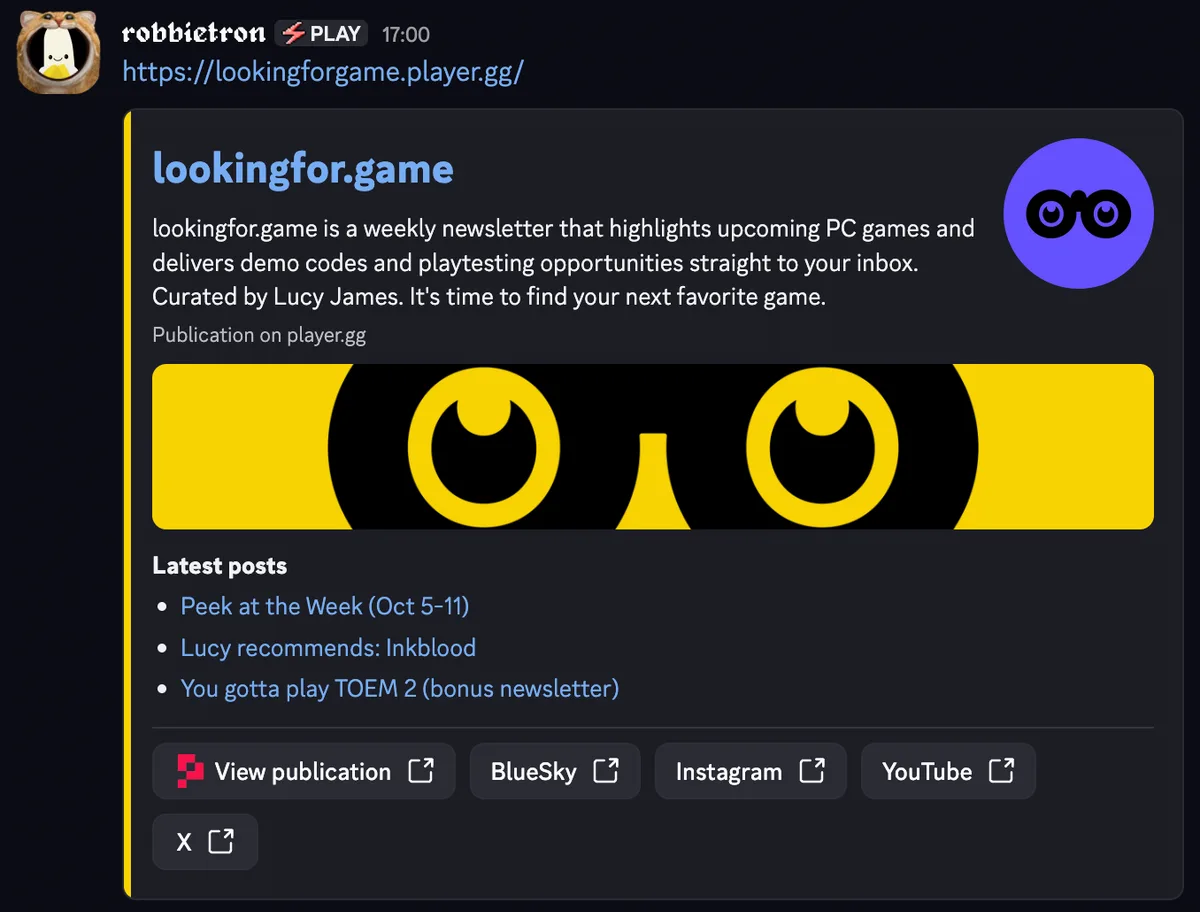
Try it by pasting any game, post, or publication link into a channel.